Online platforms are easy to access, but the internet also contains misleading pages, copied websites, phishing attempts and fraudulent advertisements. A page may use familiar colours, images or wording to appear trustworthy even when the people operating it have not been verified. Visitors should therefore check a website carefully before sharing information, downloading an application or making a payment. This first review is especially important when assessing Fake Lotus365 Websites because a familiar name alone cannot establish who operates a domain.
Fake Lotus365 Websites can put visitors at risk when they imitate a familiar platform and encourage people to enter login details, personal information or payment data. The purpose of this guide is to explain practical checks that anyone can perform. It does not confirm that any particular Lotus365 address is official, safe or authorised. A website’s name, branding or appearance alone is not proof of its legitimacy.
Online safety is not about relying on one symbol or one security tool. It means comparing several warning signs, slowing down when a page creates urgency and refusing requests for confidential information. The checks below can help you make a more informed decision before continuing.
Check the Website URL Carefully
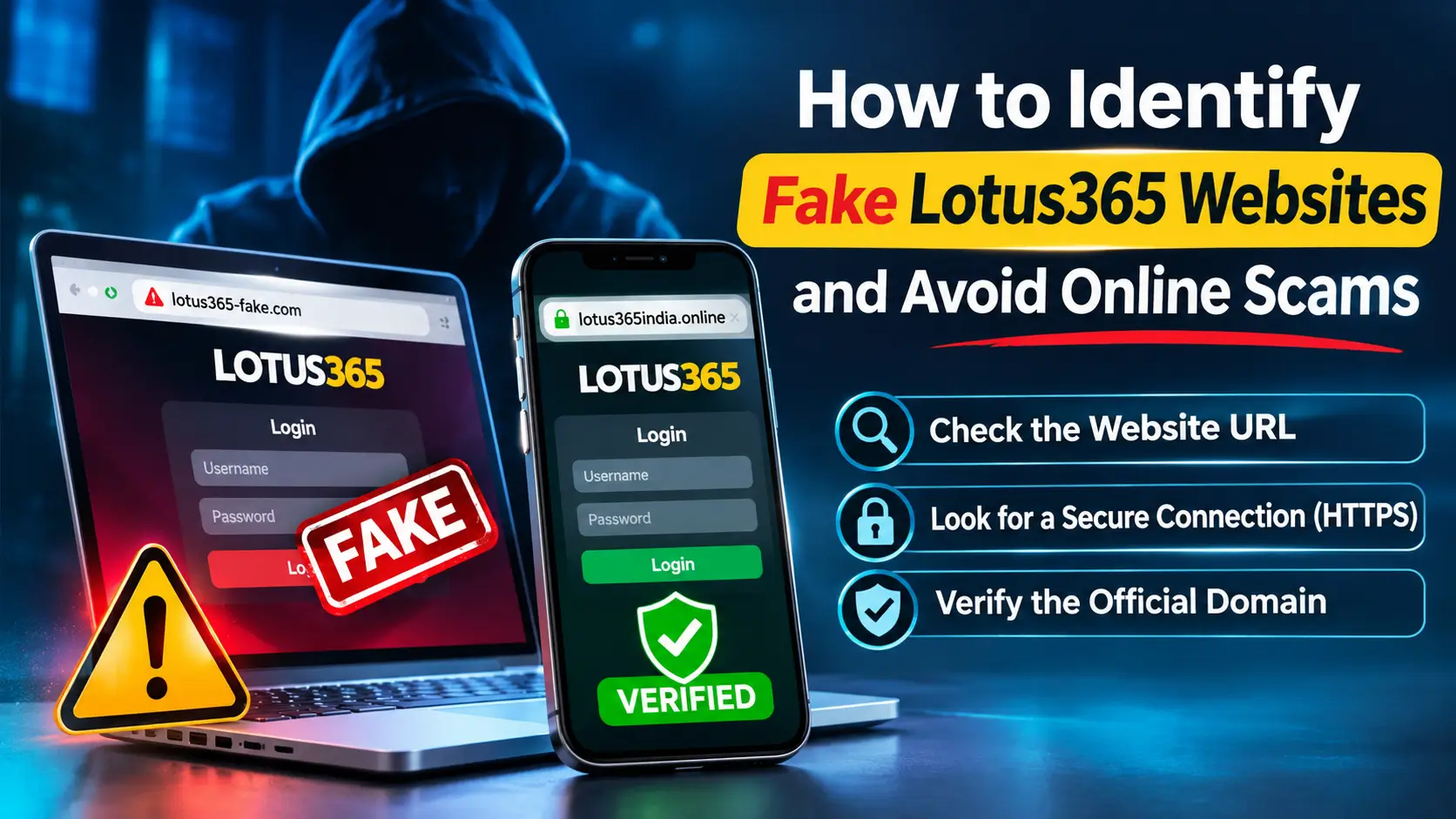
The domain name is one of the first details to inspect. Fraudulent operators may register addresses that resemble well-known names by adding numbers, extra words, hyphens or small spelling changes. A difference of only one character can send a visitor to a completely different website.
Do not check only the words displayed in a message or advertisement. Look at the full address in the browser’s address bar, including the ending after the final dot. A familiar brand word within a longer address does not establish that the domain is controlled by that brand. Similarly, a search result or social media post should not be treated as proof of authenticity.
URL details worth checking
- Spelling: Look for swapped, missing or repeated letters and unusual word combinations.
- Extra characters: Notice unexpected numbers, hyphens or punctuation added to the domain.
- Domain ending: Check the full ending rather than assuming that a familiar name makes the address genuine.
- Redirects: Be cautious when a link opens one address and then moves through several unrelated domains.
- Source of the link: Treat unsolicited messages, comments and unknown advertisements as unverified until independently checked.
When checking Fake Lotus365 Websites, avoid deciding from a screenshot or shortened link. A screenshot can hide the real address, while a shortened URL can conceal the destination until it is opened. Do not enter account details just to find out where a link leads.
Look for Suspicious Website Design and Behaviour
Some fraudulent pages copy logos, colours, banners and page layouts from other websites. This can make a first impression look familiar, but copied design elements are easy to reproduce. A polished appearance is not a reliable identity check, and a poorly designed page is not the only kind of page that can be dangerous. Some Fake Lotus365 Websites may copy enough visual details to look familiar at first glance.
Common design and behaviour warning signs
- Low-quality or stretched logos and images.
- Buttons that do not work or lead to unrelated pages.
- Spelling mistakes, inconsistent wording or unfinished sections.
- Repeated pop-ups that block normal browsing.
- Unexpected redirects to unrelated pages or download prompts.
- Contact, privacy or user-policy sections that are missing or unusually vague.
- Pages that display different names or branding in different sections.
Pay attention to what the page asks you to do. A sudden demand to install an application, share a verification code or transfer money is more important than whether the page looks attractive. Close the page if it behaves unexpectedly and do not continue through prompts you do not understand.
These checks are useful when reviewing Fake Lotus365 Websites, but no single design issue proves fraud on its own. Consider the complete pattern of behaviour and look for independent information before trusting a site.
Understand HTTPS and Website Security
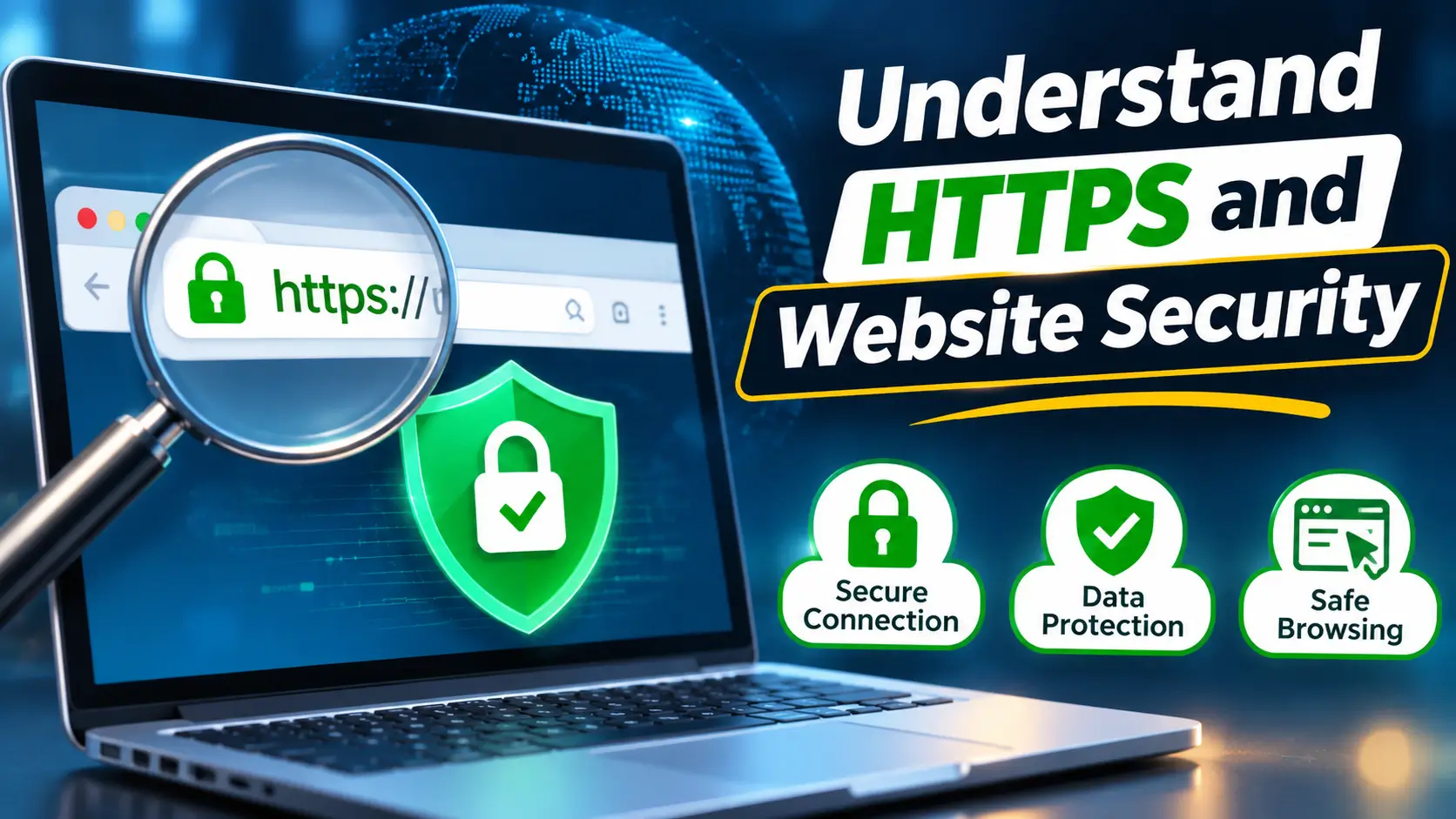
HTTPS indicates that the connection between the browser and the website is encrypted. It helps protect information while it travels between those two points and can reduce the risk of someone reading or changing the data during transmission. Most modern browsers also show a connection or site-information indicator near the address bar.
However, HTTPS does not verify the honesty of the website owner. A fraudulent operator can also obtain a certificate and use an encrypted connection. The padlock or connection symbol should therefore be treated as one technical check, not as a guarantee that the page is genuine, approved or safe to use. When checking a domain associated with a Lotus 365 ID, verify the exact address before entering personal or payment details.
Use a broader security check
- Confirm that the full domain is the one you intended to visit.
- Read any browser warning instead of clicking through it.
- Do not ignore certificate errors or messages about an unsafe connection.
- Check whether the site redirects to an unfamiliar address after loading.
- Keep your browser and operating system updated so known security protections remain active.
If a page displays HTTPS but has a suspicious domain, unusual requests or inconsistent information, leave it. This distinction matters when checking Fake Lotus365 Websites: an encrypted connection does not verify the operator. Connection encryption cannot make an untrustworthy operator trustworthy.
Protect Login Details, OTPs and Personal Information
Phishing pages are designed to persuade visitors to enter information that can later be misused. A fake login page may copy the layout of a familiar service and ask for a username, password, mobile number or verification code. The information may then be captured by the operator of the page.
Be particularly careful if a page asks for details that are not needed for the action you are taking. Fake Lotus365 Websites may use urgent account warnings to make these requests appear routine. Do not provide sensitive information simply because a message says that your account will be blocked, verified or upgraded immediately.
Information you should never disclose to an unverified contact
- Passwords or account recovery codes.
- One-time passwords (OTPs) or login verification codes.
- Banking PINs, card PINs or full payment credentials.
- Personal identification documents unless there is a verified, lawful need and secure process.
- Remote-access permissions or screen-sharing access requested by an unknown person.
OTP messages are intended to help verify an action. Sharing a code with another person can allow that person to complete a login, payment or account change. Genuine support staff should not ask you to tell them your password or OTP. If someone requests these details through a call, chat or message, stop the conversation and verify the request through a channel you independently know to be genuine.
Fake Lotus365 Websites may imitate sign-in pages to make information collection look routine. Before entering any credentials, return to the domain check and consider whether you have a trustworthy reason to use that exact address.
Be Careful With Promotions, Payments and Support Messages
Scam messages often rely on urgency, excitement or fear. Fake Lotus365 Websites may display similar claims to encourage hurried decisions. They may promise guaranteed rewards, unusually high returns, exclusive bonuses or instant account benefits. Other messages may claim that a payment is pending and demand an additional transfer to release it. These are warning signs, especially when there is pressure to act before you can verify the claim.
Warning signs in promotional messages
- A promise of guaranteed profit or a reward that sounds unusually generous.
- A countdown or threat that pressures you to act immediately.
- A request to pay a fee before receiving a supposed reward or withdrawal.
- Payment instructions sent from an unrelated personal account.
- Requests to keep the conversation secret or avoid contacting your bank.
Do not assume that a promotional banner is genuine because it uses a familiar logo. Verify the terms independently and avoid making a payment when the recipient, purpose or process is unclear. Never send money to an individual account merely because a message describes it as an official payment channel.
Review customer support information
Check whether a website explains how users can contact its operator, where its policies can be read and how complaints are handled. Be cautious if the only support option is an unknown WhatsApp number, a personal Telegram account or a social media profile with no independently verifiable connection to the service.
Support representatives should not ask you to disclose passwords, OTPs, banking PINs or remote-access codes. If a person claims to be a support agent and asks for these details, end the interaction. Do not use a phone number or payment instruction supplied in the suspicious message to verify that same message.
When reviewing Fake Lotus365 Websites, compare the website’s claims with information obtained independently. If the operator’s identity, payment process or support details cannot be verified, do not share information or proceed with a transaction.
Avoid Unknown APK Files and Use Website Safety Tools
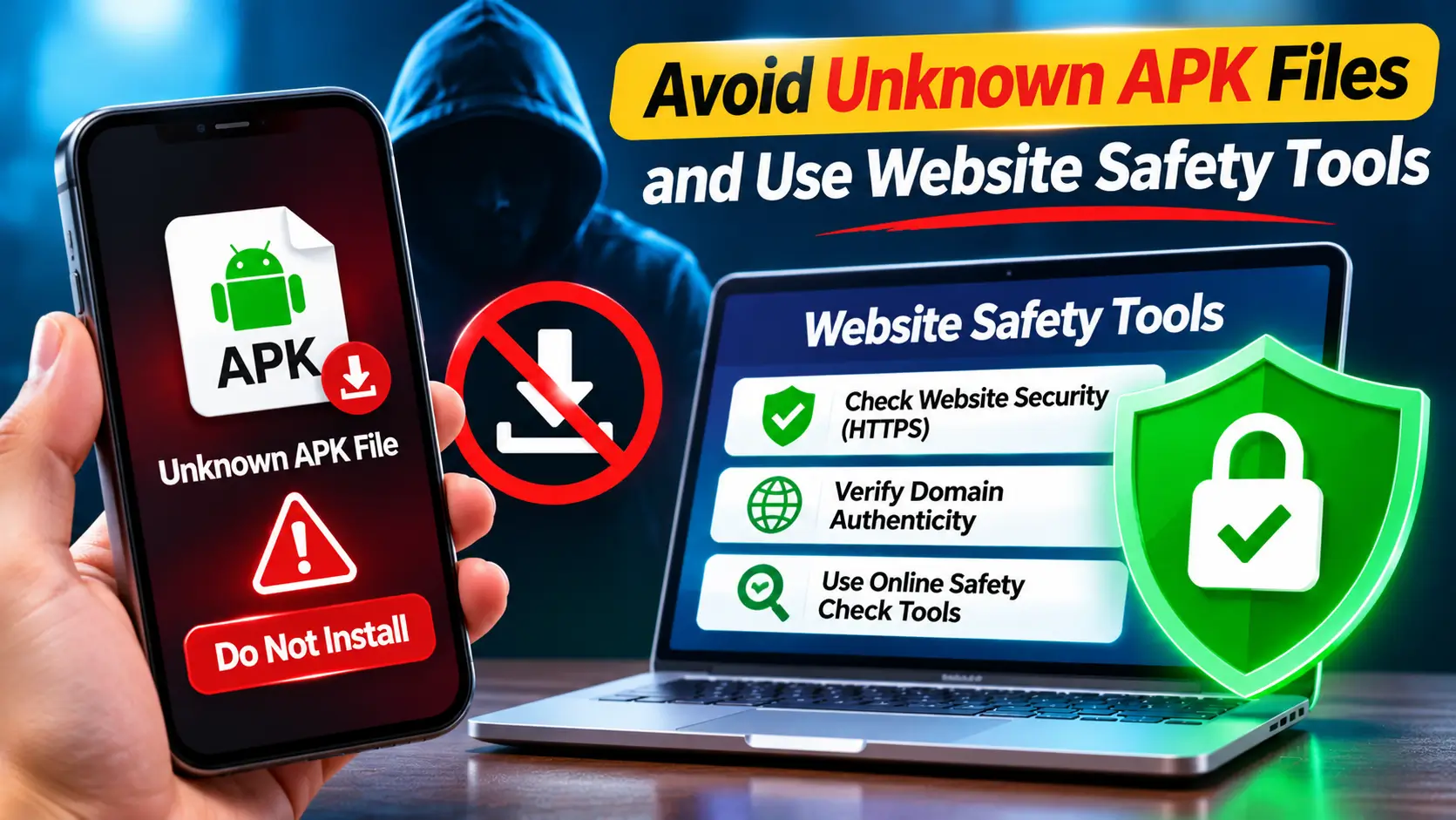
Android application packages (APK files) can install applications outside the usual app-store process. Some legitimate developers distribute software directly, but an APK files from an unknown page or unsolicited message can also contain malware, spyware or unwanted functions. A file name or app icon does not prove who created the application.
Safer app-download habits
- Prefer recognised app stores or a developer’s independently verified distribution channel.
- Check the developer name, app description and update history.
- Review the permissions requested during installation.
- Be cautious if a simple application requests access to contacts, messages, accessibility services or other unrelated features.
- Do not disable device security protections just because a page tells you to do so.
- Delete files you did not intend to download and do not install them to test whether they work.
Website reputation tools can provide another useful signal. Services such as Google Safe Browsing, VirusTotal and URLVoid can help users check whether a domain has been reported or flagged by available detection systems. Their results are not perfect: a new suspicious page may not yet be listed, and a clean result is not a guarantee of safety.
Use these services as supporting checks, not as permission to ignore browser warnings or obvious red flags. Do not upload private documents, passwords or confidential account information to a website-checking service. When an address remains uncertain, the safest option is not to enter information or download files from it.
Because Fake Lotus365 Websites can change addresses and page layouts, a previous safety result may not apply forever. Recheck a domain when you encounter it again, particularly if the link arrives through a new message or advertisement.
Compare Warning Signs and Know What to Do Next
The following table summarises common warning signs and a safer response. When assessing Fake Lotus365 Websites, use it as a practical checklist rather than a test that can certify a website as genuine. A page may have one warning sign or several, so use judgement and avoid proceeding when important details cannot be verified.
Website Safety Check Chart
| Area to check | Possible warning sign | Safer response |
|---|---|---|
| Domain name | Spelling changes, extra characters or an unexpected domain ending | Check the full address independently before continuing |
| Page behaviour | Unexpected pop-ups, redirects or download prompts | Close the page and do not install unfamiliar files |
| Connection | Browser security warning or certificate error | Do not bypass the warning |
| Login | Requests for OTPs, passwords or unrelated personal details | Do not disclose the information; leave the page |
| Promotions | Guaranteed rewards, urgent deadlines or advance fees | Verify the terms and recipient before taking action |
| Support | Unverified personal accounts or requests for confidential codes | Use independently verified contact information |
| Downloads | APK files from unknown messages or unfamiliar domains | Use trusted distribution channels and review permissions |
What to do if you have opened a suspicious page
- Close the page and do not follow further prompts.
- Do not enter login details, payment information or verification codes.
- If a file downloaded automatically, do not open or install it.
- If you entered a password, change it from a trusted device and official account route. Change it anywhere else you reused it.
- If you shared banking or card information, contact your bank or payment provider immediately using a verified number.
- Review recent account activity and transaction alerts for anything you do not recognise.
- Run a security scan and remove unfamiliar applications or browser extensions.
- Keep screenshots, messages, transaction references and other evidence if you need to make a report.
Quick Response Chart: Match the Situation to the Next Step
If money has been lost through suspected cyber fraud in India, contact your bank or payment provider promptly and report the incident through the National Cyber Crime Reporting Portal or the national cybercrime helpline at 1930. Share accurate details and preserve evidence. Do not pay anyone who claims they can recover money for an advance fee.
People who have encountered Fake Lotus365 Websites should focus first on securing affected accounts and payment methods. Reporting is important, but it should not delay contacting a bank when financial details or funds may be at risk.
Frequently Asked Questions
How can I identify a fake Lotus365 website?
Check the complete domain, redirects, website policies, support details and the type of information requested. Do not rely on logos, colours, HTTPS or search-result position alone to establish that a website is genuine.
Does HTTPS mean a website is safe?
No. HTTPS encrypts the connection between your browser and a website, but it does not prove that the operator is trustworthy. Always check the domain and the website’s behaviour as well.
Why should I avoid unknown Lotus365 links?
Unknown links can lead to phishing pages, misleading payment requests or harmful downloads. Check the destination independently and do not enter personal or financial information on an unverified page.
What should I do if I enter my password on a suspicious page?
Change the password immediately using a trusted route and update it on any other account where you reused it. Enable two-factor authentication where available and review account activity for unfamiliar access.
What should I do if I share banking details or lose money?
Contact your bank or payment provider immediately through a verified channel. In India, report suspected financial cyber fraud through the National Cyber Crime Reporting Portal or call 1930, and keep relevant evidence.
Can a website safety checker guarantee that a domain is genuine?
No. Safety checkers can identify some known threats, but new or changed sites may not yet appear in their results. Use them alongside domain checks, browser warnings and careful judgement.
Conclusion
Online safety depends on careful checks rather than assumptions. Before using an unfamiliar platform, inspect the full domain, pay attention to redirects, review available website information and treat unexpected requests for money or confidential details as warning signs. Do not install unknown applications or bypass browser security warnings just to access a page.
Identifying Fake Lotus365 Websites requires more than recognising a logo or a familiar colour scheme. Visitors should consider the domain, login process, support channels, payment instructions and download source together. If something cannot be verified, stop and avoid sharing information.